
HMHARBORLINE SERVICE
A good year deserves a great service.
Make room for your annual maintenance visit.
Explore service timesOne dealer-branded place for the vehicle, warranty when offered, a service-time request, help and updates. Purchase details, service history and appointments can be added only after verified dealer data and integrations are ready. All screens below use fictional data.
PurchaseVehicle passportServiceCover, if offeredUpdatesNext vehicle
The customer has their vehicle to hand. The service team can see what needs attention.
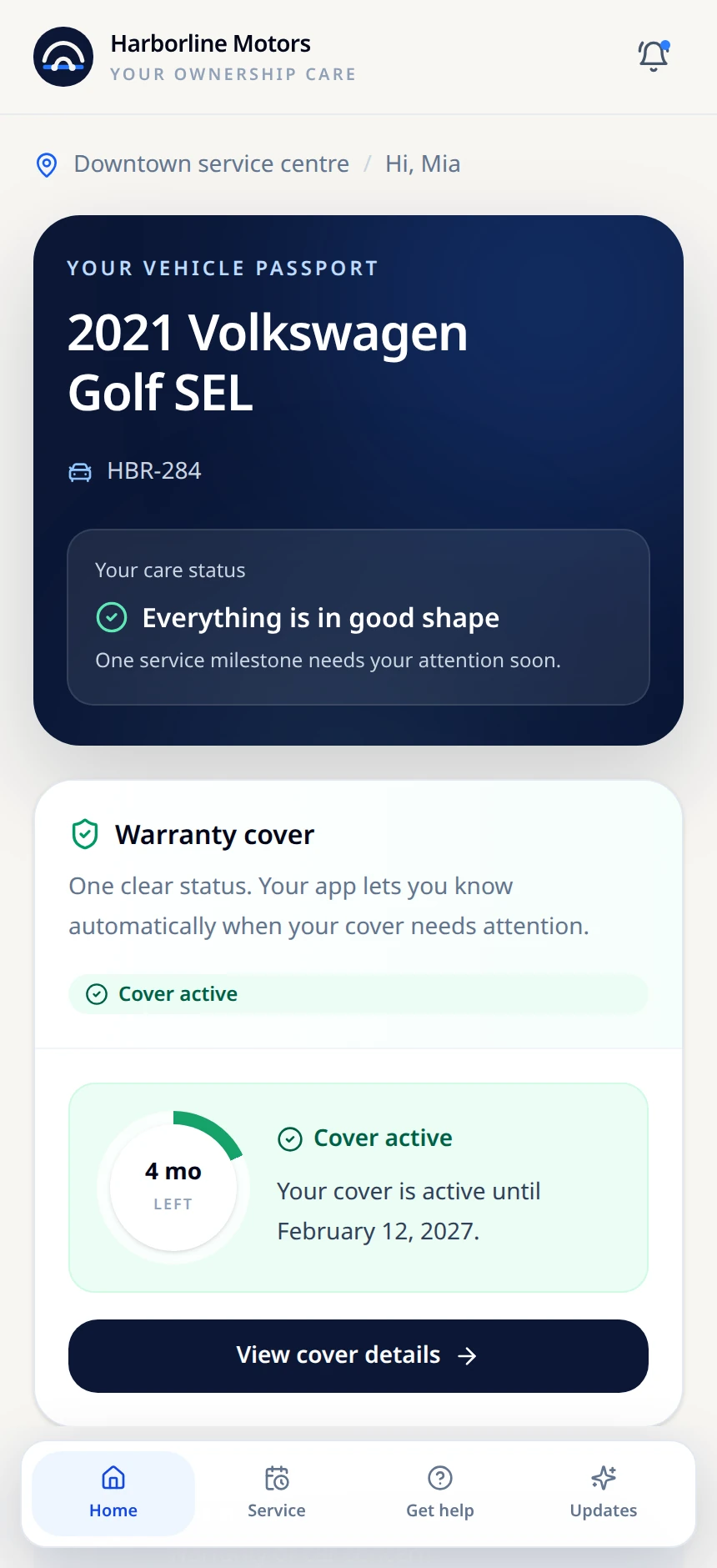
Vehicle information and time-based cover status when a warranty applies.
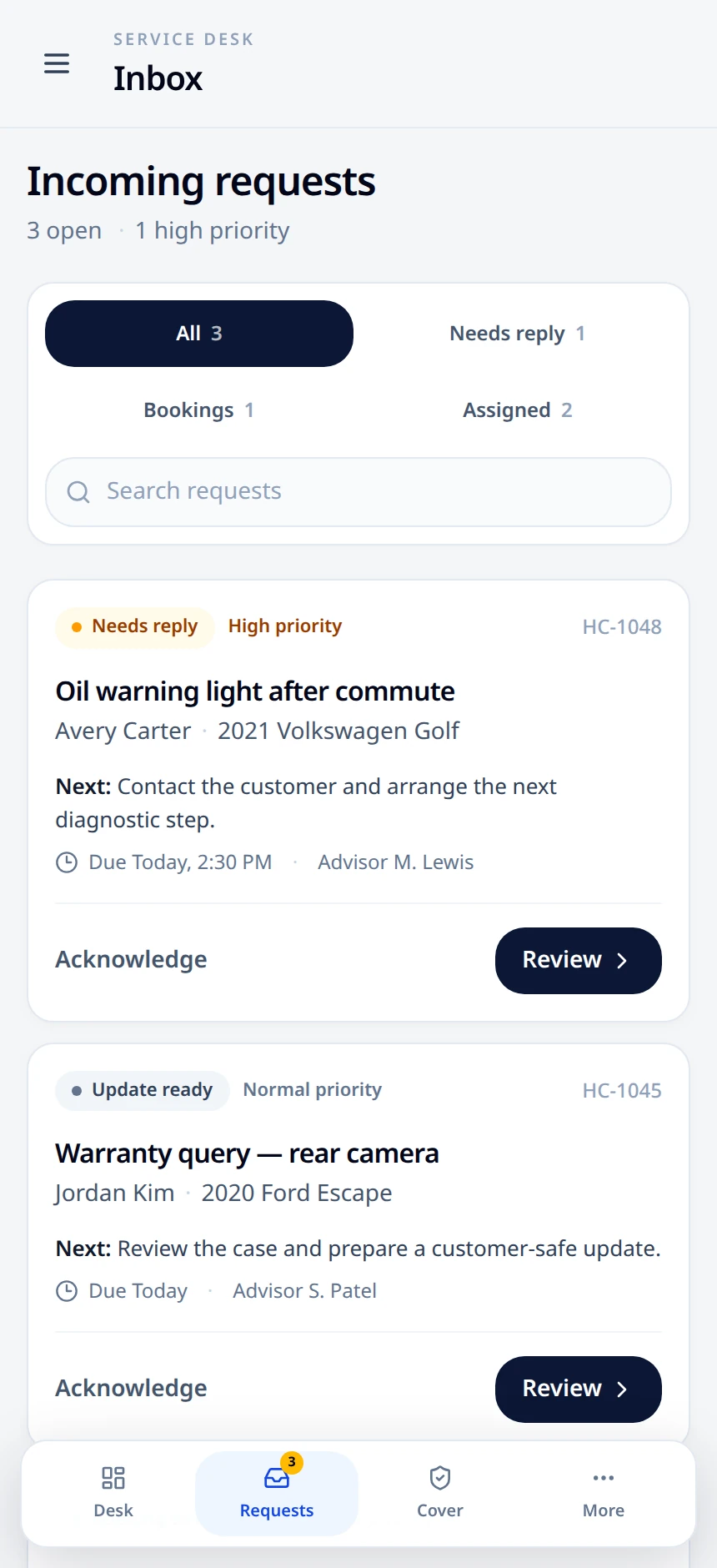
Separate customer requests, their priorities and the next action.
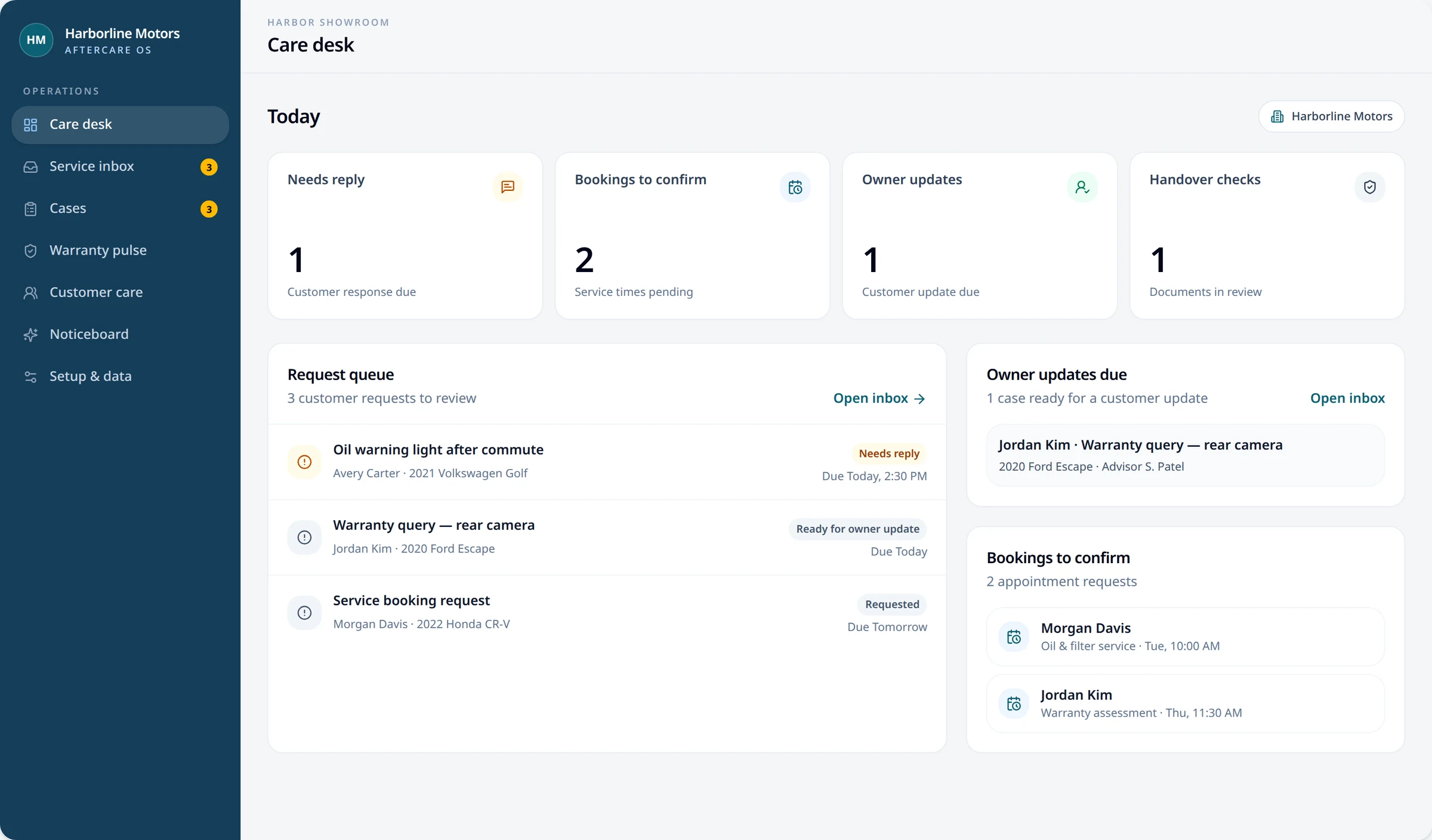
A clear vehicle-help route on one side; a desktop Care desk on the other.
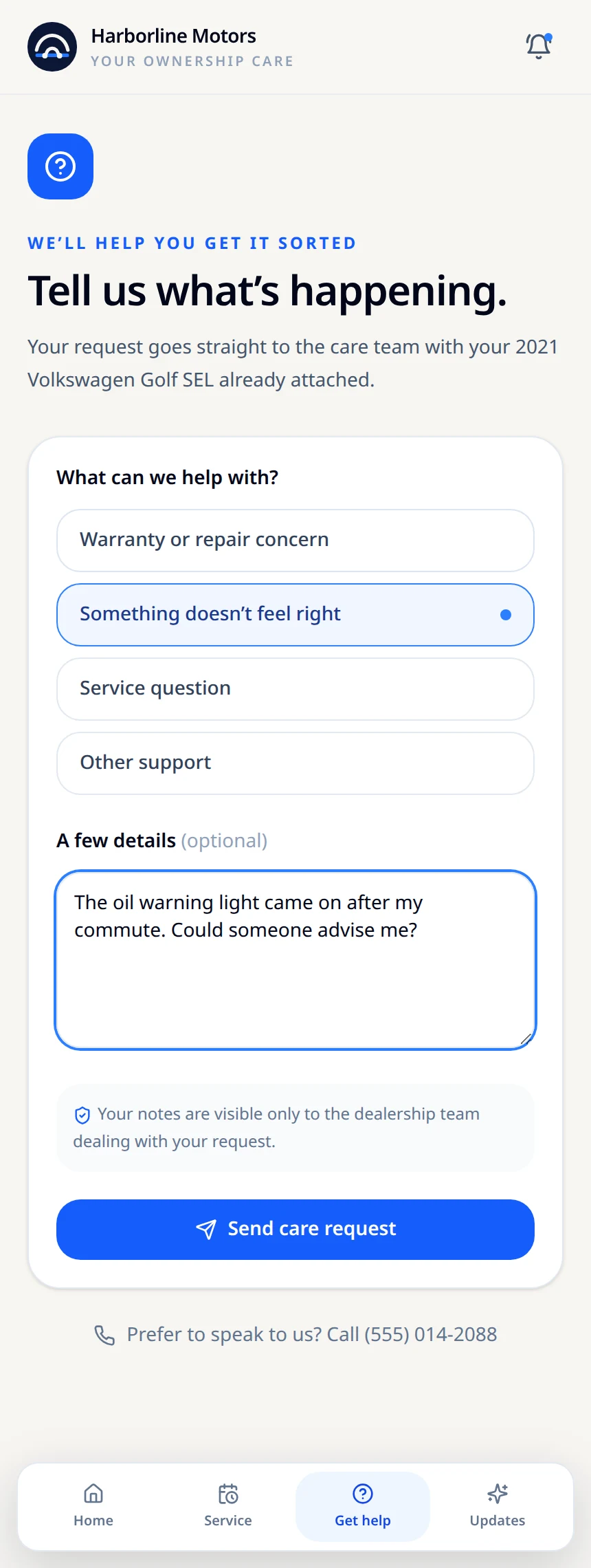
The vehicle is already in view when the customer explains a concern.
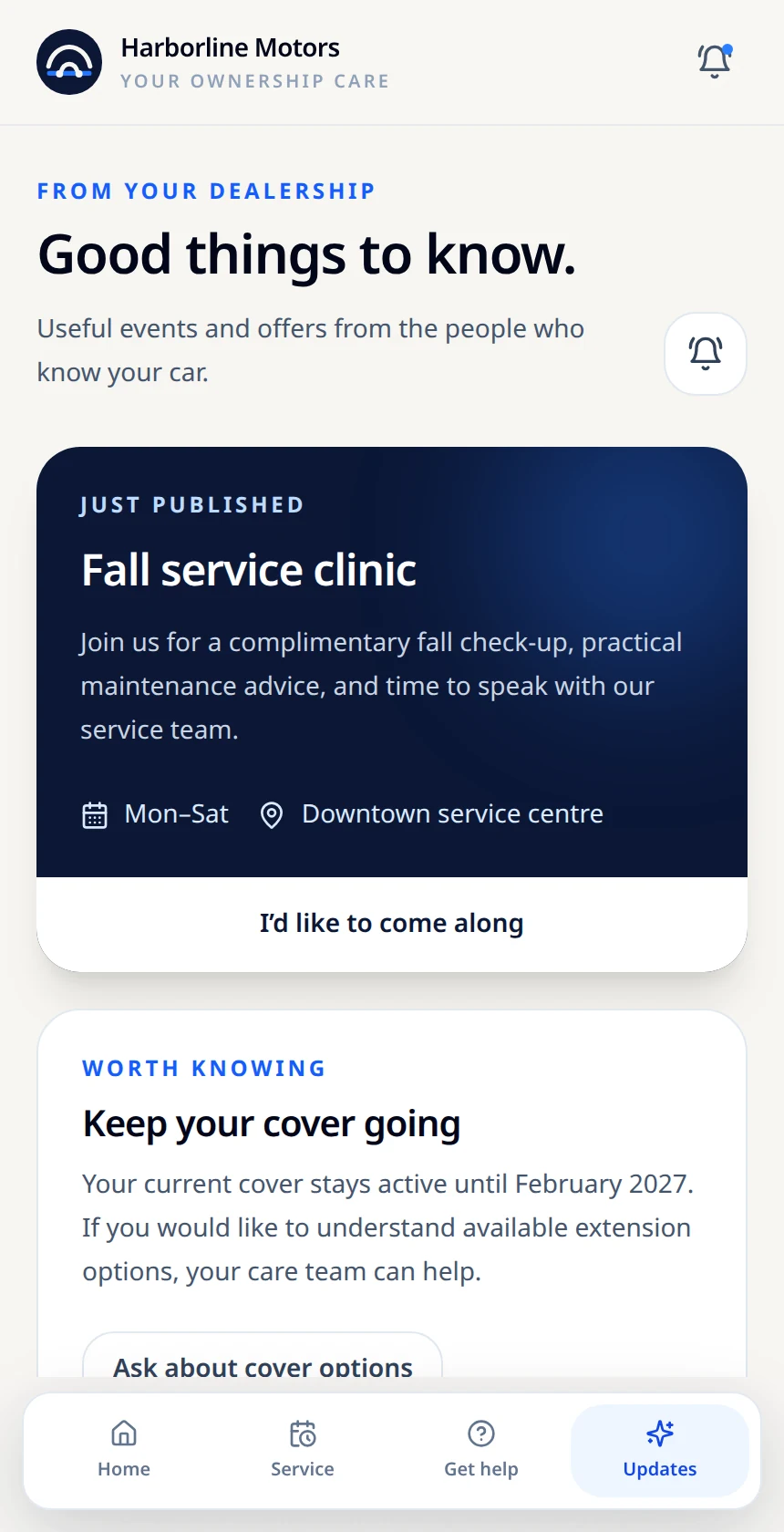
The same fictional service event appears on the dealership noticeboard and in Customer Updates. A lock-screen concept shows how a future opt-in alert could look; nothing is sent.
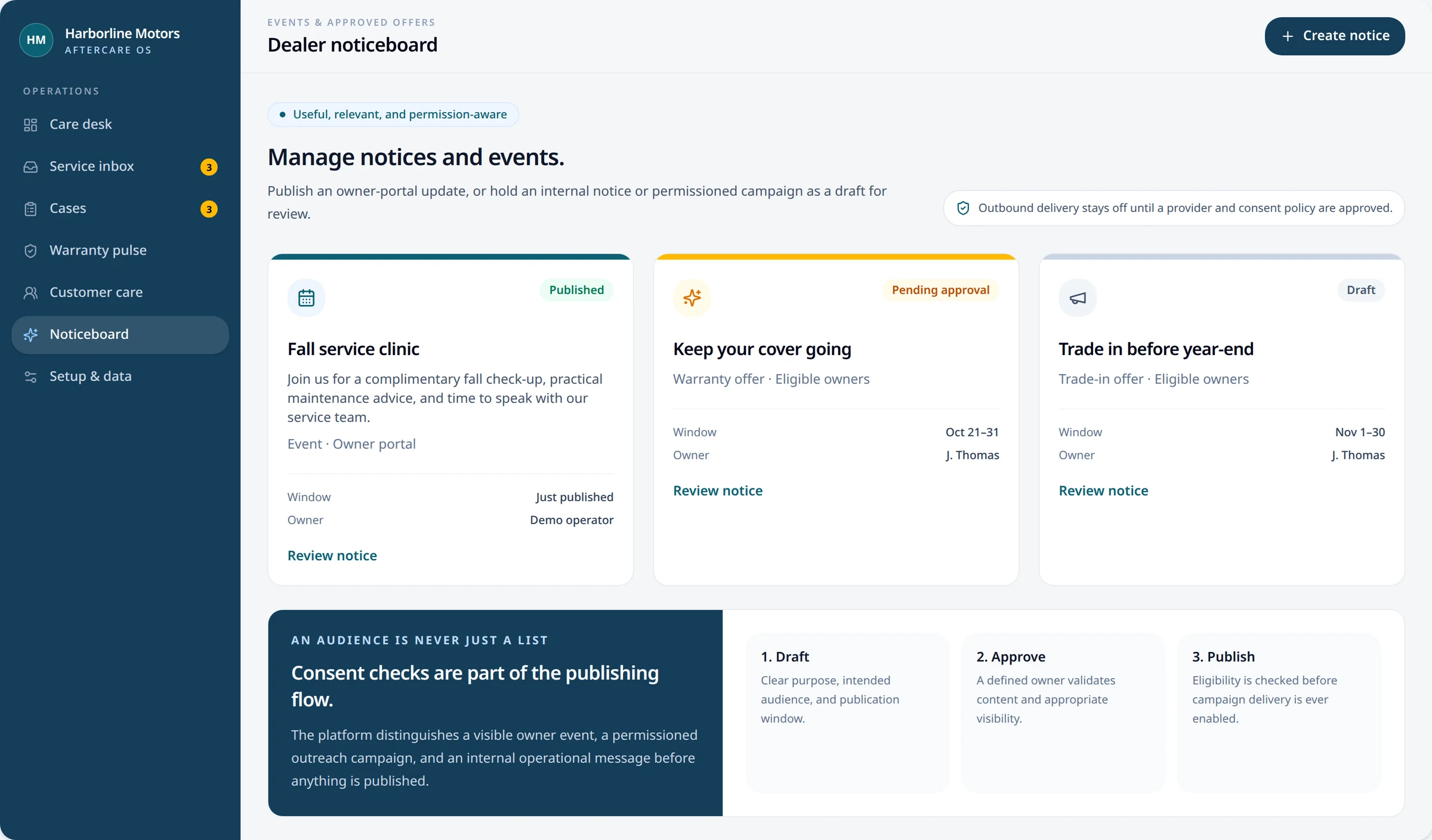
The same event appears in-app. Phone alerts require consent and a live delivery service.
A relevant event, shown here as an illustrative alert.
Fictional ad previews for a future consent-checked delivery service. These are designs—not active campaigns or notifications.
Make room for your annual maintenance visit.
Explore service timesWinter tire appointments at our Downtown service center.
View tire serviceA 90-day heads-up before your warranty ends.
Review your coverExplore our fictional pre-owned selection when you’re ready.
See what’s newThese screenshots use fictional data. Customer-to-staff preview requests connect in one browser only; live case intake, booking integrations, permissioned campaigns and phone alerts require dealer-specific production setup and approval.